
SCO App: Download, Login and What You Can Do
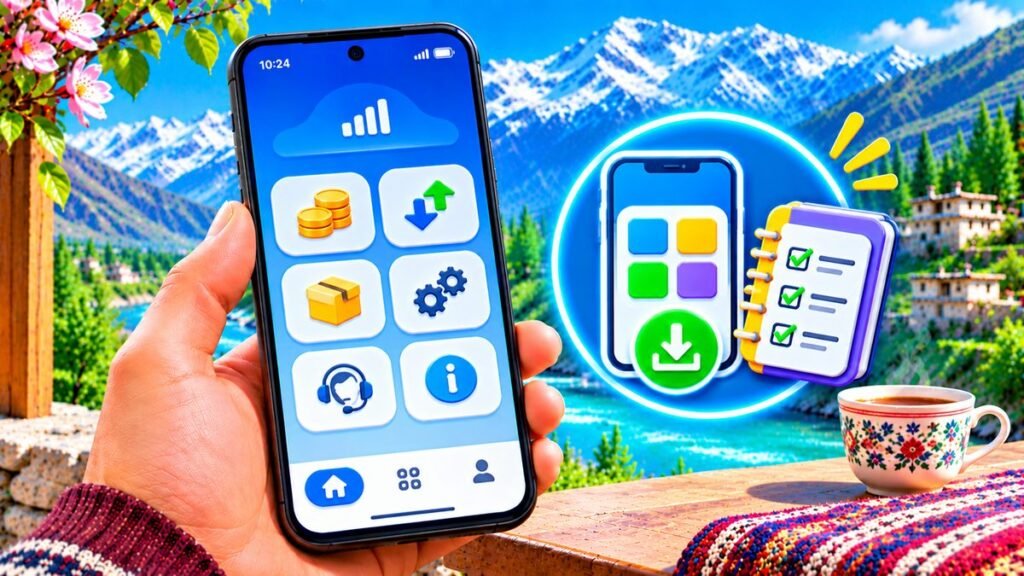
The SCO mobile app is the easiest way to manage a SCOM SIM. It shows your balance, remaining minutes, SMS and MBs in one place, and lets you buy bundles without remembering codes.
How to download the SCO app
- Open the Google Play Store on Android or the App Store on iPhone.
- Search for “SCO” or “SCOM”.
- Check that the publisher is Special Communications Organization before you install. Avoid look-alike apps.
- Install and open the app.
How to sign up and log in
- Open the app and choose sign up or register.
- Enter your SCOM mobile number.
- Enter the code you receive by SMS to verify the number.
- Set a password if asked, then log in.
Keep your SCOM SIM in the phone during sign up so the verification SMS arrives.
What you can do in the SCO app
- See your SCOM number, main balance and expiry
- Check remaining minutes, SMS and MBs from your bundle
- Browse and subscribe to SCOM packages
- Get help and contact customer care
Features can change with app updates, so explore the menu after you log in.
App not working?
- Update the app to the latest version.
- Make sure you have mobile data or Wi-Fi.
- If the verification SMS does not arrive, restart your phone and try again.
- Still stuck? Call 355 from SCOM. See our helpline guide.
Codes you can use without the app
Balance: *125#. Packages: *111#. Loan: *135#. Read more in our SCOM codes guide.
Frequently asked questions
Is the SCO app free?
Yes, the app is free to download. Normal data charges apply if you do not have a bundle.
Can I check my SCOM number in the app?
Yes. Your number shows once you log in. See our number check guide for other ways.
Ask a question